


User Guide
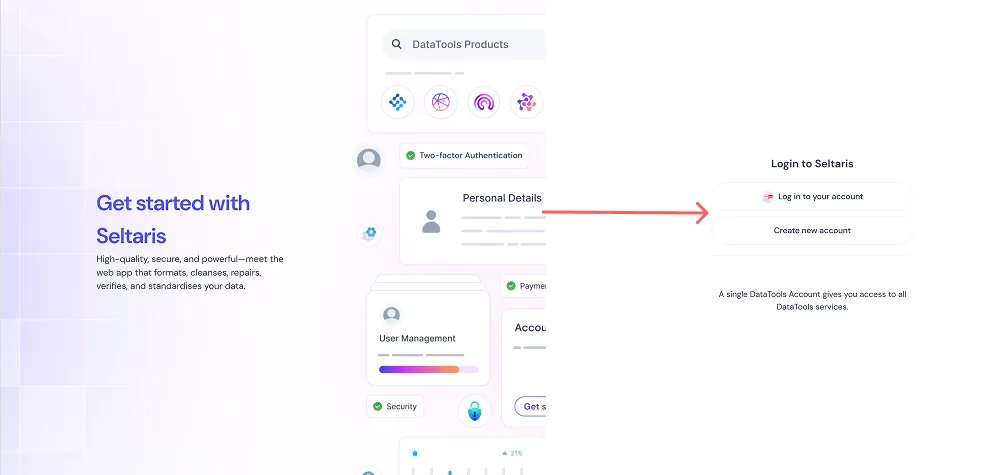
Step 1
If you don’t have a Seltaris account, click Create new account.
If you already have an account, click Log in to your account and skip ahead to Step 7
If you already have an account, click Log in to your account and skip ahead to Step 7
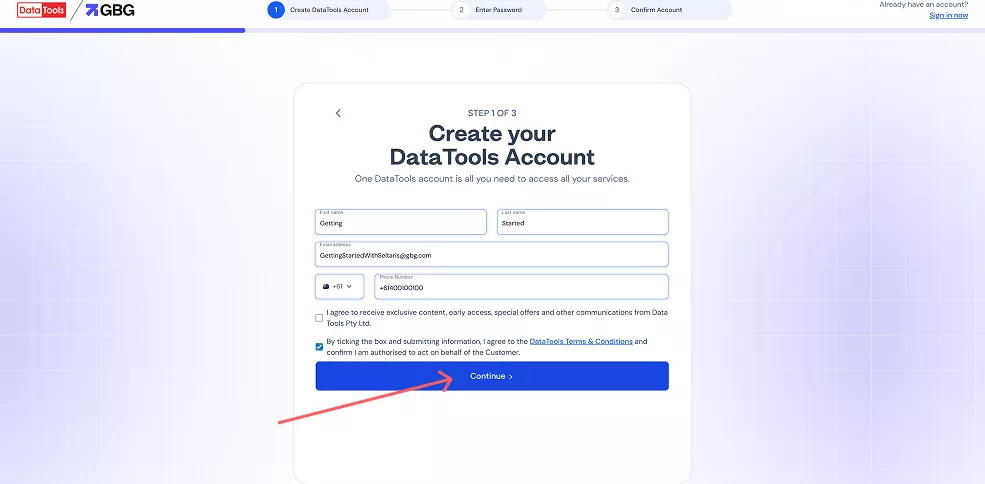
Step 2
Fill in your details and click Continue. If you already have an account, you’ll be redirected to the sign-in page
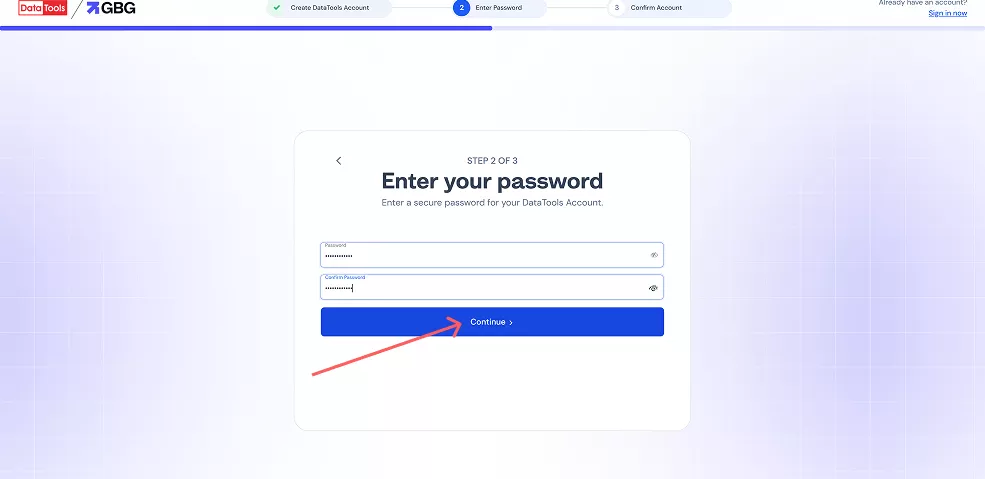
Step 3
Enter and confirm your password, then click Continue.
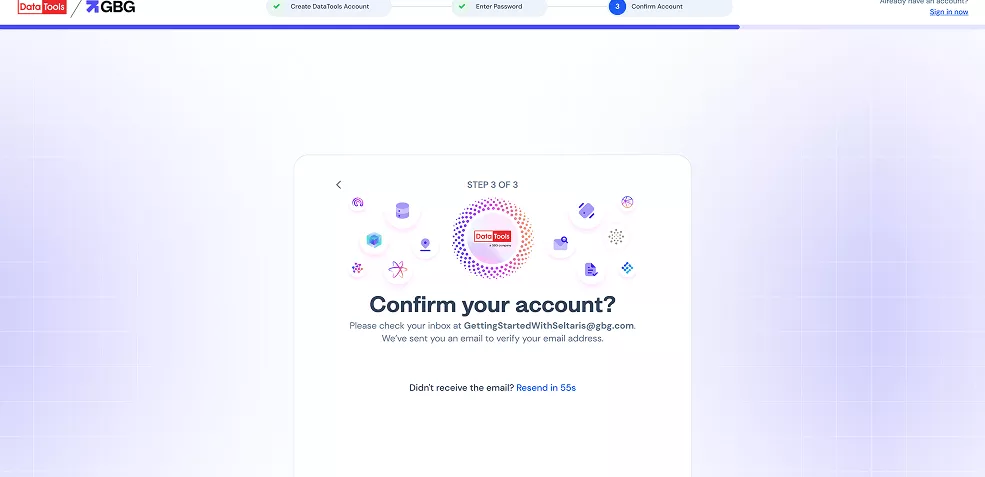
Step 4
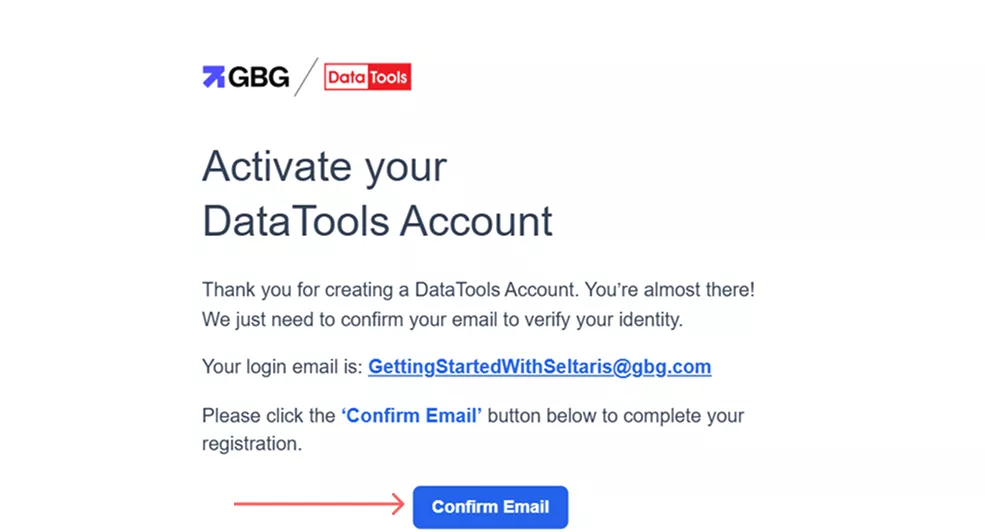
Check your inbox for a confirmation email. If you don’t see it, check your junk folder. If it still hasn’t arrived, you can resend the email once every 60 seconds.
Step 5
Click Confirm Email in the email, or copy and paste the link into your browser.
Step 6
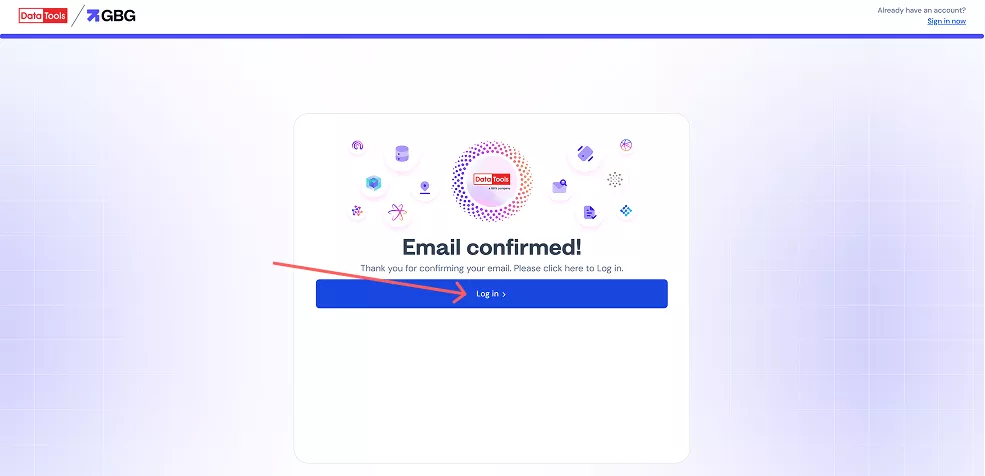
Your email is now confirmed, you can log in to Seltaris.
Step 7
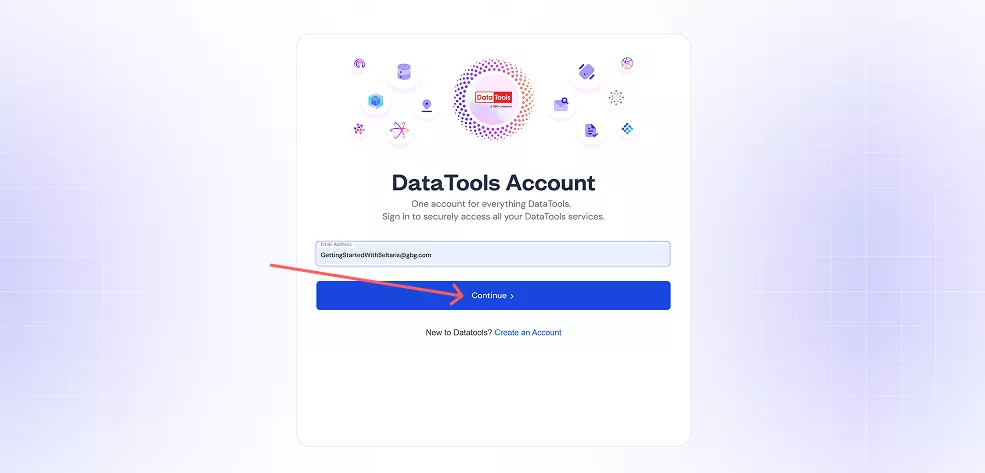
Enter your email address and click Continue. If it isn’t registered, you’ll be prompted to create a new account (return to Step 2).
Step 8
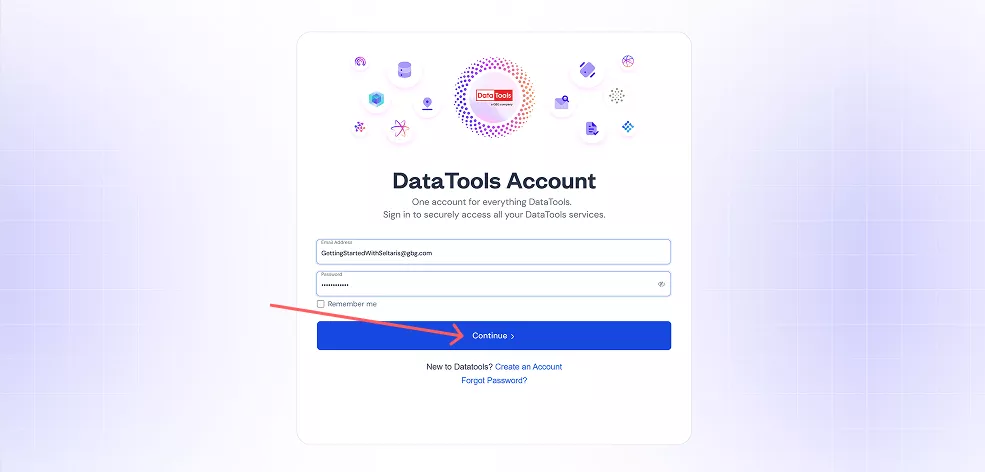
Enter your password and click Continue.
Step 9
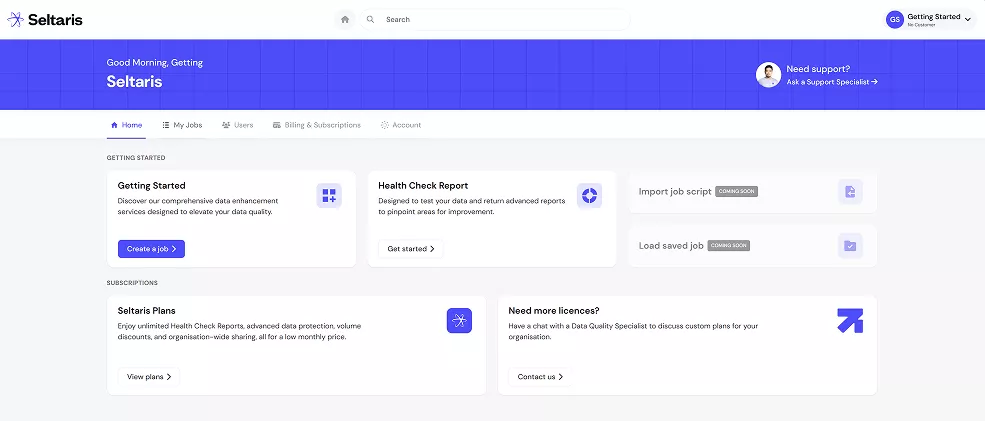
You now have access to Seltaris
End